Sellvia Tools
Learn how Sellvia tools work, from dashboard features to marketing options and catalog management.
-
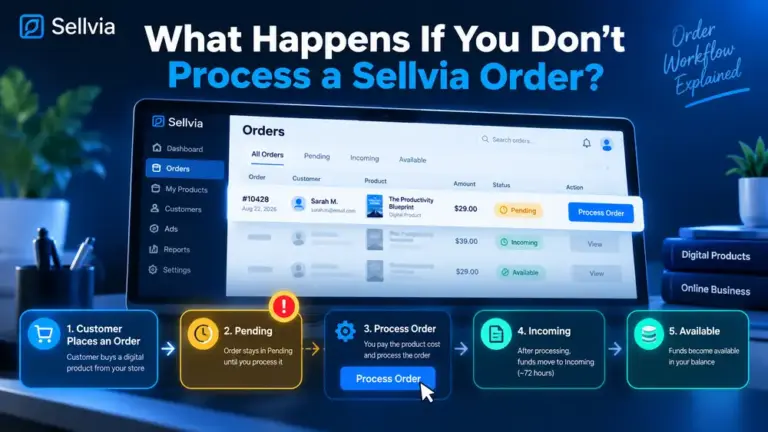
What Happens If You Don’t Process a Sellvia Order?
What happens when a Sellvia order stays unprocessed? Learn how Pending, Incoming and Available states work and what action moves the order forward.
-
Sellvia Orders Dashboard Explained: Statuses, Actions and Workflow
A practical guide to the Sellvia Orders dashboard: how new orders appear, what the key statuses mean, when processing changes commission state, and what to check before taking action.
-
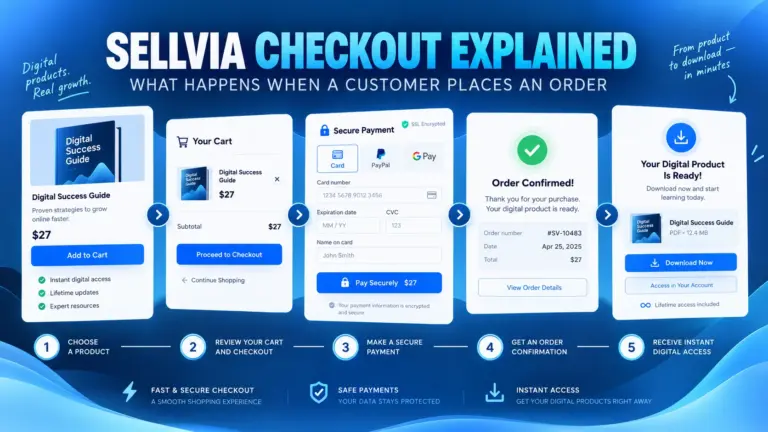
Sellvia Checkout Explained: What Happens When a Customer Places an Order
I walked through the Sellvia checkout flow from the customer side to see what happens between choosing a digital product, completing payment and receiving access.
-
Sellvia Product Pages Explained: What Customers See Before Checkout
A practical walkthrough of Sellvia product pages, what customers see before checkout, and what I check before sending traffic to a listing.
-
How to Add Digital Products to Your Sellvia Store
A practical walkthrough of how to expand a Sellvia store with digital products, choose what fits, and check each listing before sending traffic.
-
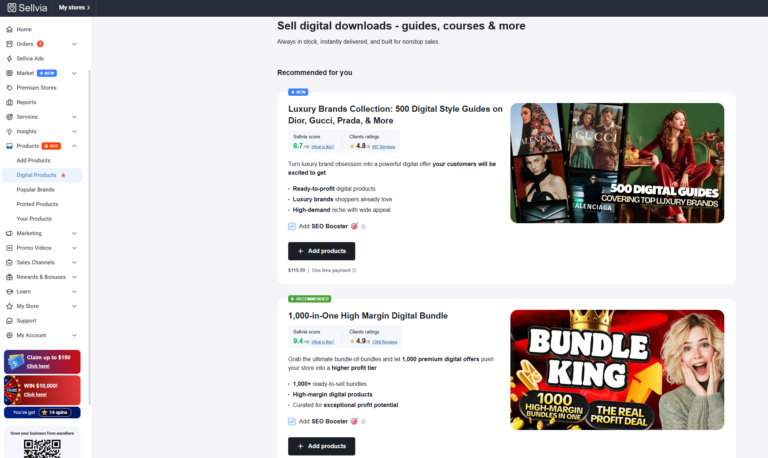
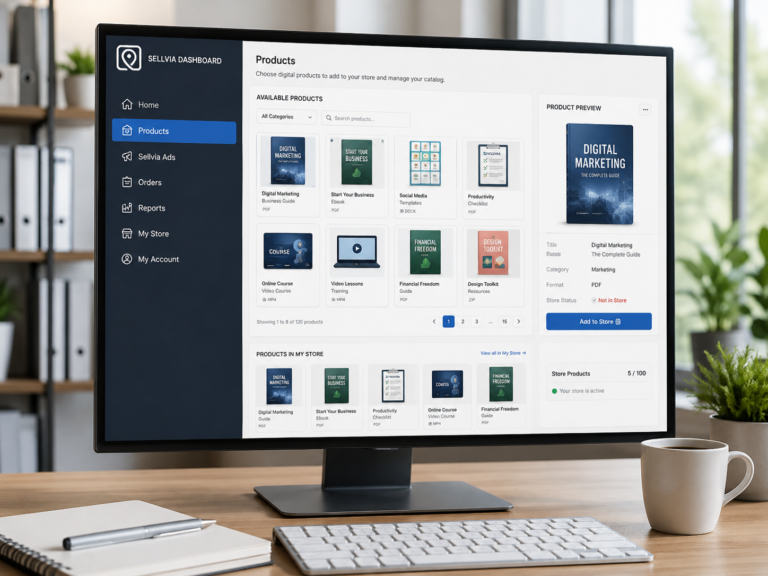
Sellvia Product Catalog Explained: How Digital Product Access Works
Learn how the Sellvia product catalog works, what digital products are available, how catalog access relates to your store, and what to check before adding products.
-
Sellvia My Store Explained: Store Settings, Pages and Controls
Learn how Sellvia My Store works, what to check on product pages, navigation, pricing, checkout and domain settings before sending traffic.
-
Sellvia Reports Explained: Traffic, Orders and Store Activity
Learn how to read Sellvia Reports, compare traffic and order activity, spot meaningful trends, and decide what to improve next.
-
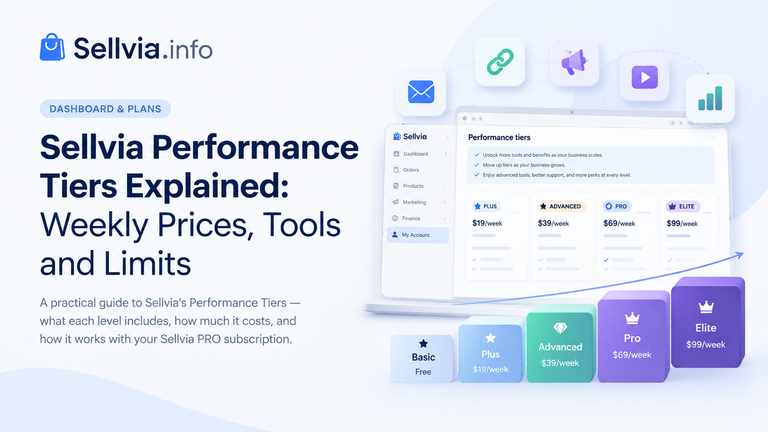
Sellvia Performance Tiers Explained: Weekly Prices, Tools and Limits
Open the Plans area of a Sellvia account and two different subscription systems can need to be read together. Sellvia PRO is billed monthly, while the optional Performance Tier is billed separately and uses weekly prices. The names also overlap: both systems use terms such as Basic or Advanced, but they control different things. This…
-
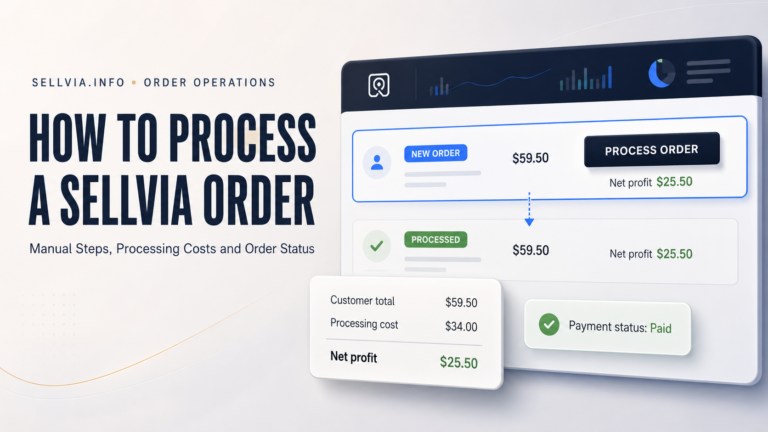
How to Process a Sellvia Order
How to Process a Sellvia Order: Step-by-Step Guide How to Process a Sellvia Order: A Complete Step-by-Step Guide A practical walkthrough of manual processing, Order Processing Credits, fees, deadlines, troubleshooting, and the cash-flow checks that matter before you confirm an order. By Joe Radmon, ecommerce platform researcher, Sellvia.info editorial team How this guide was checked:…
-
Sellvia Dashboard Overview: Features, Orders, Ads and Payouts
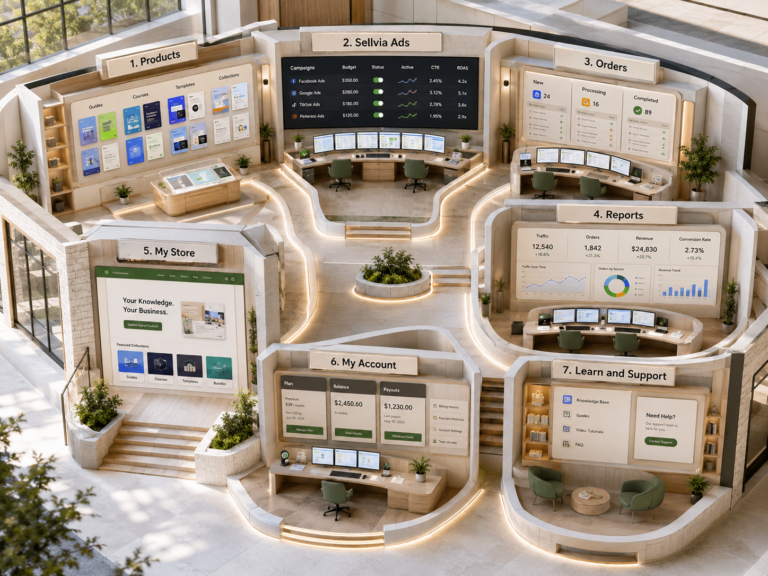
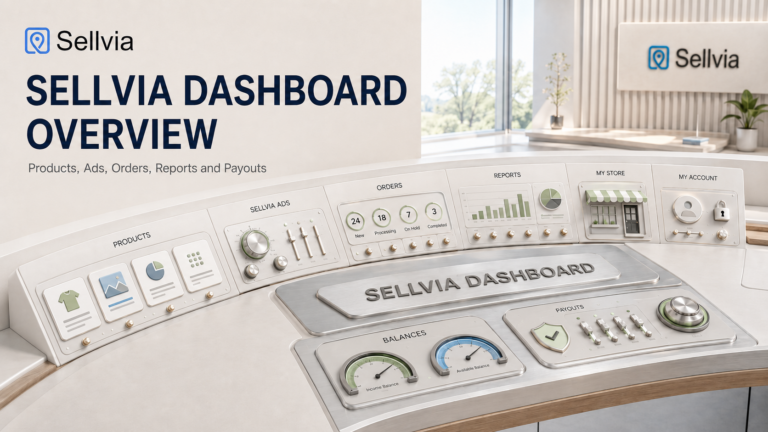
A section-by-section walkthrough of how the Sellvia dashboard organizes products, advertising, orders, reports, and balances into one operating rhythm. The Sellvia dashboard is the control room where a ready-made online store actually gets operated day to day. Once a store is created, the dashboard becomes the single place where a beginner reviews products, checks advertising…
-
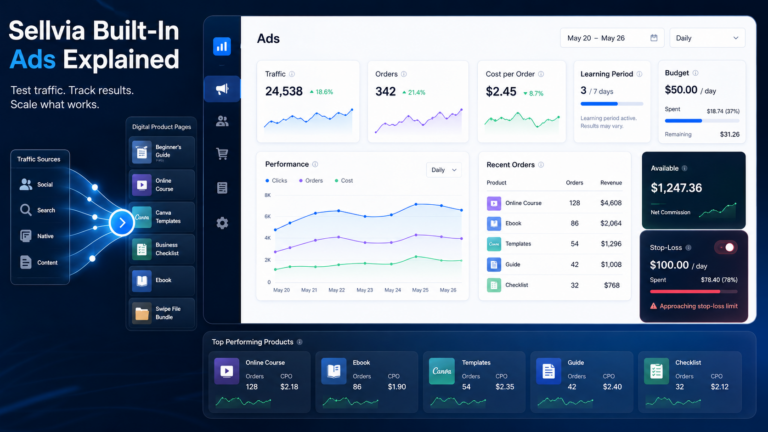
Sellvia Built-In Ads Explained: How the Platform’s Advertising System Works
Sellvia is a SaaS online business platform that gives users access to a digital product store, dashboard tools, marketing options, an order processing workflow, and payout rules – all from one place. One of the first features beginners notice after signing up is the built-in advertising system. It can influence how fast traffic reaches a…
-
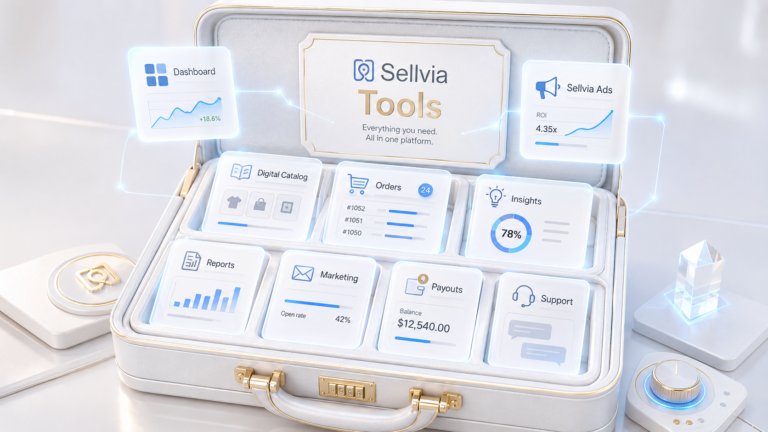
Sellvia Tools Explained: What Beginners Actually Get Inside the Platform
Most beginners researching Sellvia focus on one question: how much does it cost? That is a reasonable place to start. But the more important question – the one that determines whether the platform actually works for you – is what tools you get access to once you are inside. Sellvia is an online business platform…