
How to Add Digital Products to Your Sellvia Store
A practical walkthrough of how to expand a Sellvia store with digital products, choose what fits, and check each listing before sending traffic.
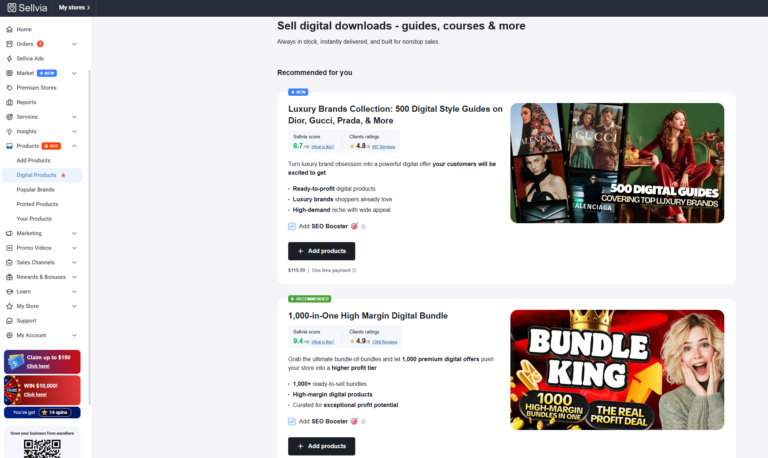
A practical walkthrough of how to expand a Sellvia store with digital products, choose what fits, and check each listing before sending traffic.
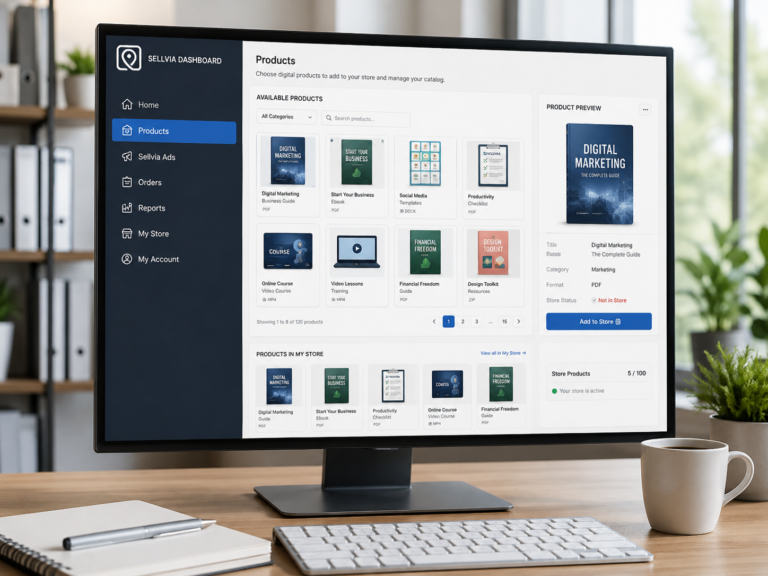
Learn how the Sellvia product catalog works, what digital products are available, how catalog access relates to your store, and what to check before adding products.
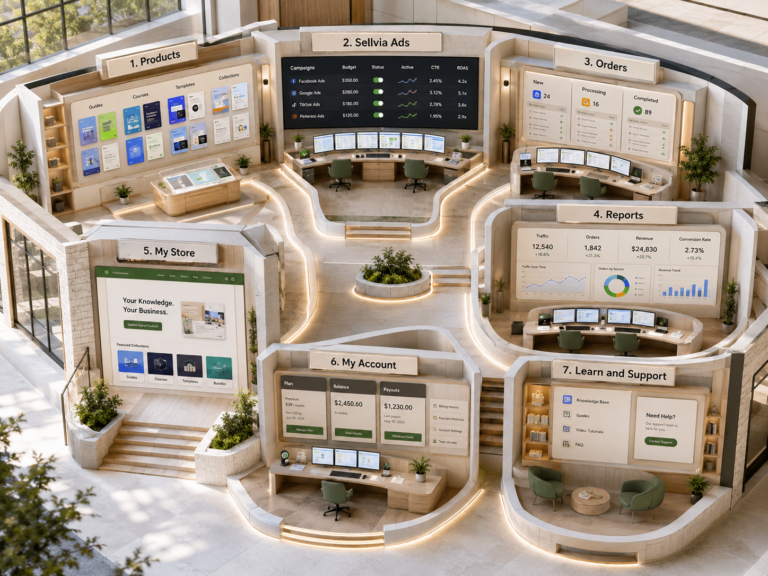
Learn how Sellvia My Store works, what to check on product pages, navigation, pricing, checkout and domain settings before sending traffic.
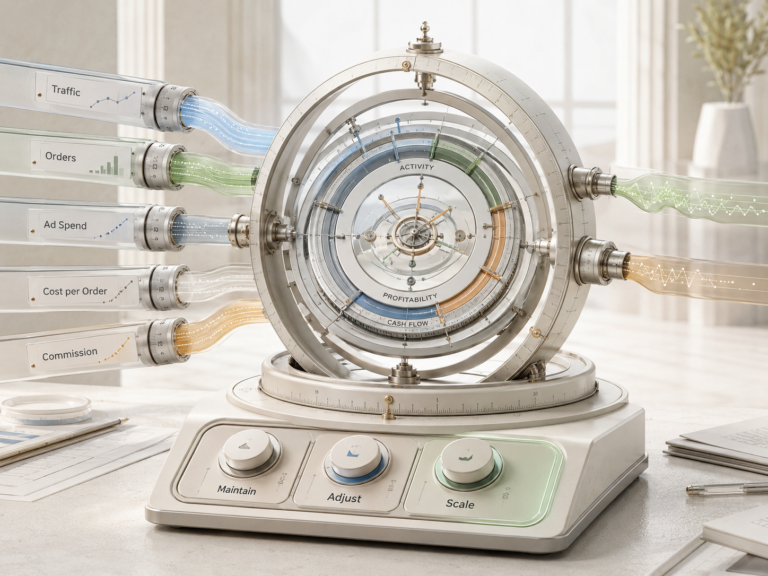
Learn how to read Sellvia Reports, compare traffic and order activity, spot meaningful trends, and decide what to improve next.
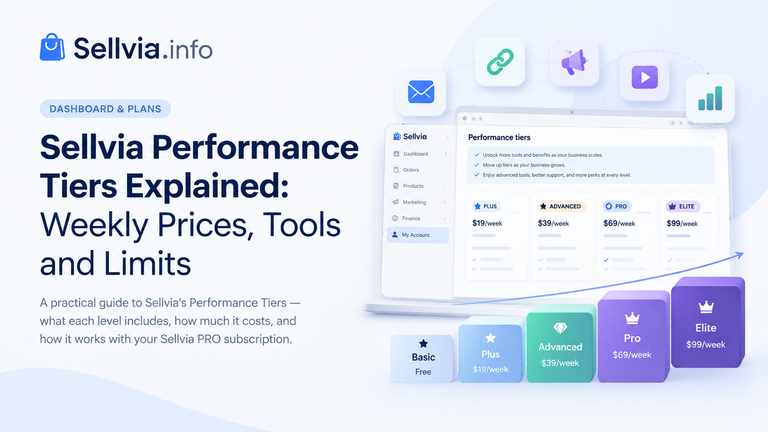
Open the Plans area of a Sellvia account and two different subscription systems can need to be read together. Sellvia PRO is billed monthly, while the optional Performance Tier is billed separately and uses weekly prices. The names also overlap: both systems use terms such as Basic or Advanced, but they control different things. This…
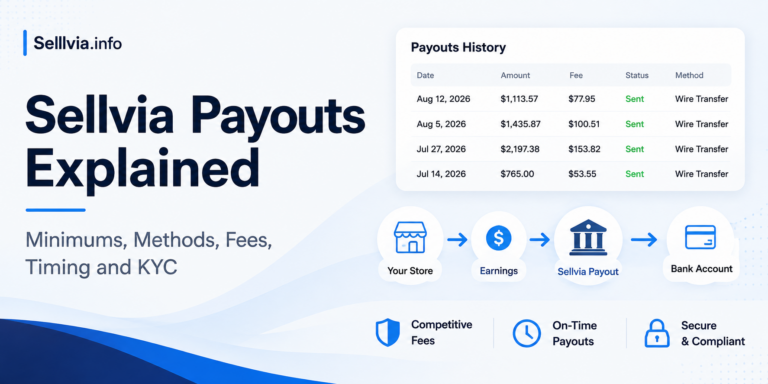
The first time I looked at the Sellvia payout workflow with money already showing as Available, the process seemed as if it should be simple: choose a bank method and withdraw. In practice, Available is the right starting point, but it is only one part of payout readiness. Sellvia also checks the applicable minimum, subscription…
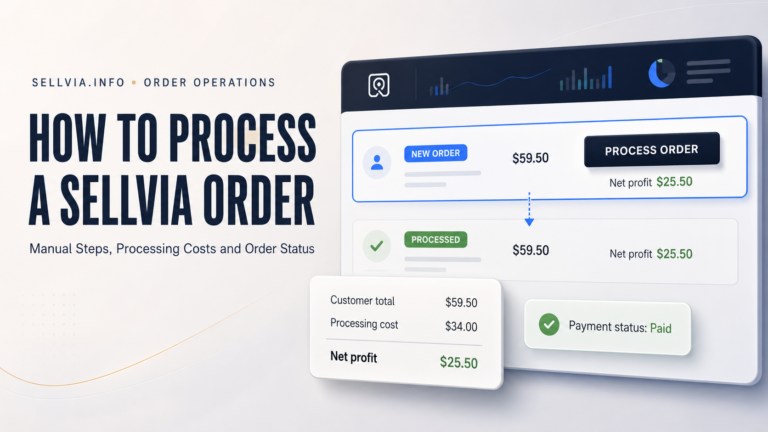
How to Process a Sellvia Order: Step-by-Step Guide How to Process a Sellvia Order: A Complete Step-by-Step Guide A practical walkthrough of manual processing, Order Processing Credits, fees, deadlines, troubleshooting, and the cash-flow checks that matter before you confirm an order. By Joe Radmon, ecommerce platform researcher, Sellvia.info editorial team How this guide was checked:…
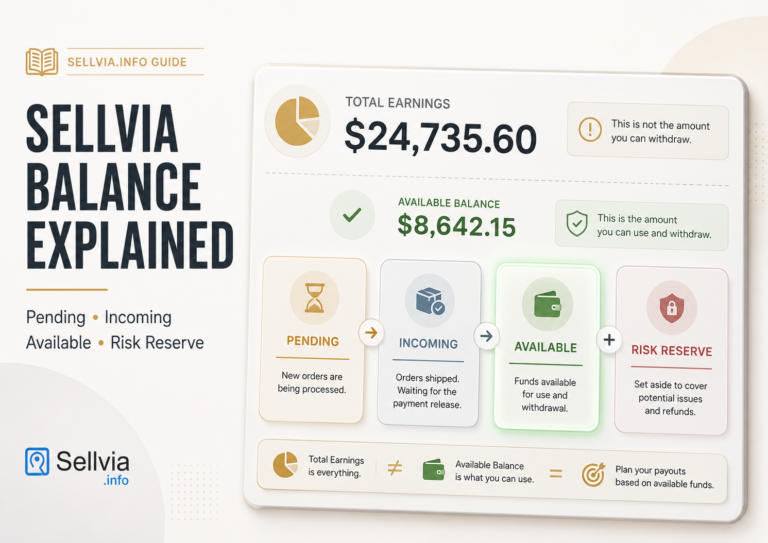
While reviewing the Sellvia balance dashboard and its supporting documentation for Sellvia.info, I noticed that the largest number on the screen is not necessarily the one that matters most for immediate cash-flow planning. A new store owner can see Total Earnings in the thousands, assume that same amount is ready to move into a bank…
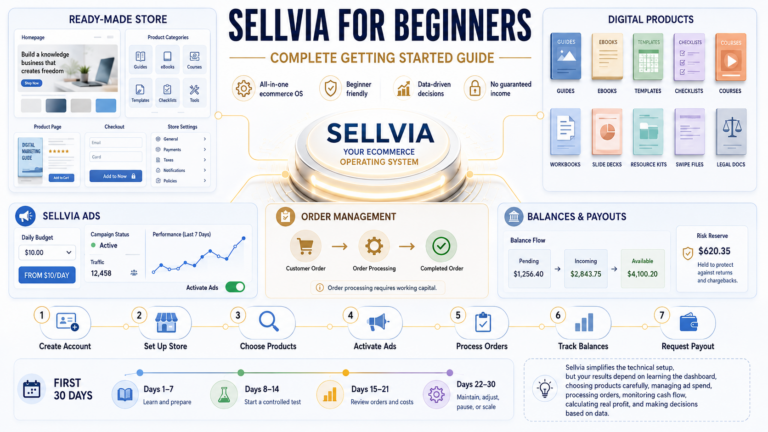
A practical, first-month walkthrough of the Sellvia dashboard, products, advertising, order processing, balances, costs, and payouts. You created your Sellvia account, logged into the dashboard, and now you’re looking at a store, a product catalog, an ads panel, an orders tab, and a handful of balance figures you don’t fully recognize yet. That’s a normal…
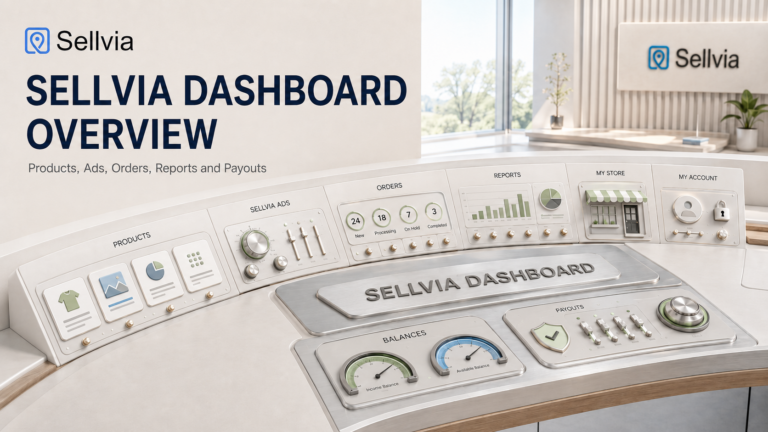
A section-by-section walkthrough of how the Sellvia dashboard organizes products, advertising, orders, reports, and balances into one operating rhythm. The Sellvia dashboard is the control room where a ready-made online store actually gets operated day to day. Once a store is created, the dashboard becomes the single place where a beginner reviews products, checks advertising…