
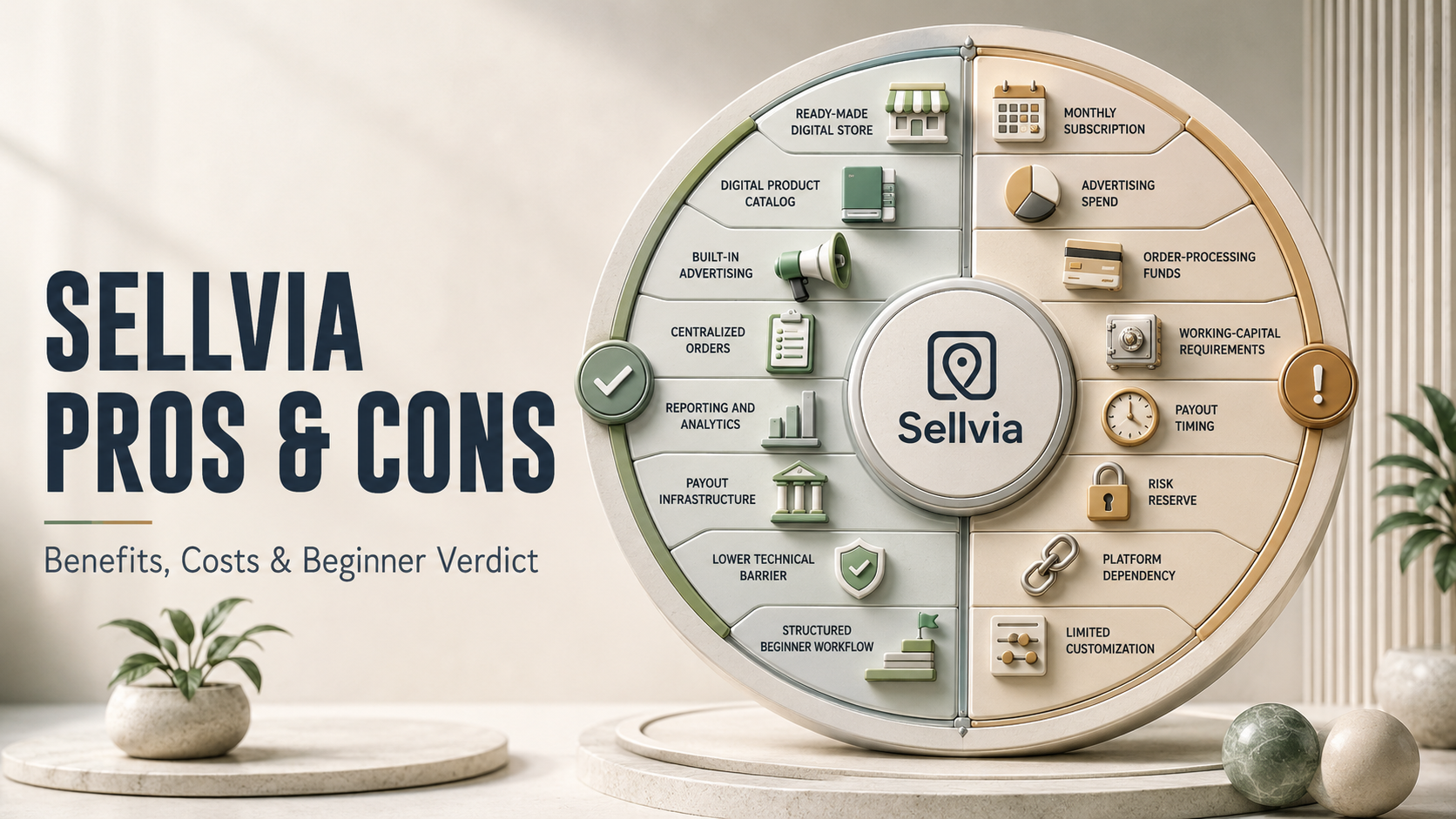
Sellvia Pros and Cons: An Honest Beginner-Focused Analysis
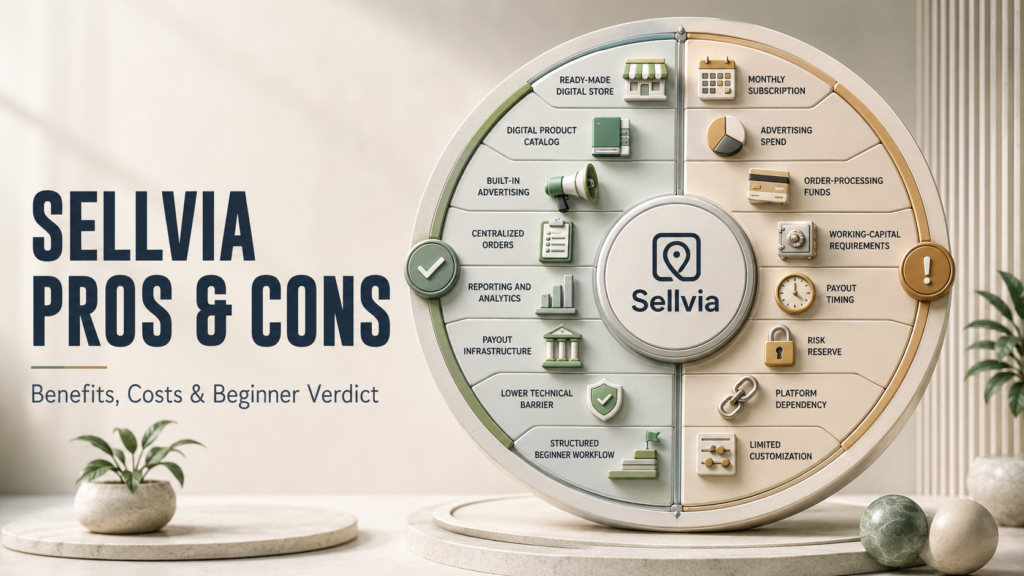
Weighing Sellvia pros and cons properly requires more than checking how fast a store can go live. The more useful question is how much technical work the platform actually removes, which business functions it bundles together, and what ongoing costs remain once the free trial ends. Sellvia is built around a straightforward premise: give someone without a technical background access to a ready-made digital store and a structured operating environment, then provide the tools needed to test and develop the business. That convenience comes with real trade-offs in cost, cash-flow timing, and independence, and this analysis walks through both sides in detail before reaching a verdict.
This is not a promotional sales page, and it is not written by Sellvia itself. It is an independent look at what the platform does well, where beginners tend to get surprised, and who is actually a good fit for it. Readers who want the basics first can start with this overview of what Sellvia is before working through the trade-offs below.
Sellvia Pros and Cons: Quick Verdict
The short version: Sellvia’s biggest strength is combining a ready-made digital store, a product catalog, a built-in advertising engine, order management, balance tracking, reporting, and payout infrastructure inside a single subscription. For someone starting from zero, that saves the work of researching, purchasing, and connecting five or six separate tools before making a first sale.
The trade-offs are just as real. Users pay a recurring subscription, fund an advertising budget, keep enough balance available to cover order processing, and wait through a multi-stage payout process before funds reach a bank account. None of these are hidden or unusual for a managed SaaS platform, but they do require planning rather than a “set it and forget it” mindset.
Taken together, the balance leans favorably toward Sellvia for beginners who want structure and are willing to budget properly, and it is less suited to someone who wants zero recurring costs or full technical ownership from day one.
Sellvia Pros and Cons at a Glance
| Area | Main Advantage | Main Consideration |
|---|---|---|
| Store setup | A pre-built store significantly reduces initial setup time | Layout and structure are less flexible than a custom build |
| Digital products | Catalog is populated before launch, no product creation needed | Product selection is limited to what Sellvia offers |
| Built-in advertising | Built-in advertising reduces the need to configure and manage a separate advertising stack manually | Ad spend is a separate, ongoing operating cost |
| Order processing | Clear workflow from purchase to payout | Processing typically requires a funded card or credits |
| Dashboard | Sales, ads, and balances live in one place | Data still needs to be interpreted and acted on |
| Reporting | Performance metrics are tracked automatically | Reports describe activity, they do not make decisions for you |
| Subscription | Predictable flat monthly fee | $39/month is separate from ad and processing costs |
| Performance tiers | Weekly plans scale with order volume | Higher tiers cost more as the business grows |
| Balance stages | Transparent Pending, Incoming, and Available stages | Funds are not instantly withdrawable after a sale |
| Risk Reserve | Supports payment-dispute protection and platform stability | A portion of funds is held for a defined period |
| Payouts | ACH/wire transfer through Sellvia Payments | $100 minimum withdrawal and processing time apply |
| Beginner accessibility | No coding or design skills required | Some financial literacy is still needed to manage cash flow |
| Technical complexity | Hosting, delivery, and integrations are handled | Less hands-on technical control than a self-built stack |
| Customization | Enough flexibility to brand a store | Not as deep as a fully independent website |
| Platform dependency | One ecosystem for products, ads, and payouts | Continued access depends on an active subscription |
How Sellvia Should Be Evaluated
A fair assessment of Sellvia rests on four criteria: convenience, total operating cost, control, and cash-flow timing. Judging the platform on price alone misses the point, because a managed system can cost more per month than piecing together separate tools while still saving weeks of setup time and technical trial and error.
Convenience has measurable value. Every hour not spent configuring hosting, building a delivery mechanism for digital files, or learning ad-platform interfaces is an hour that can go toward choosing products, refining an offer, or reviewing performance data. At the same time, a lower sticker price on an alternative approach does not automatically mean better value if that alternative demands skills or time the user does not have.
Control and cash-flow timing matter just as much. A beginner comfortable waiting a few days for funds to clear in exchange for a simpler system will experience Sellvia very differently than someone who needs same-day access to every dollar earned. Keeping these four criteria in mind makes the rest of this analysis easier to apply to an individual situation.
Why Sellvia’s Ready-Made Store Is Valuable for Beginners
Sellvia provides a functioning online store from the outset, which removes the need to select software, configure hosting, or design a layout before selling anything. For a beginner, this collapses what is normally a multi-week setup phase into something closer to a single afternoon of configuration.
This matters most for nontechnical users, people testing whether a digital-product business fits their goals, and anyone who prefers a guided environment over a blank page. Rather than researching platforms and plugins, the user’s early time goes toward store settings, branding choices, and reviewing the catalog.
The trade-off is that a pre-built store is naturally less flexible than one built entirely from scratch, and continued access to it depends on keeping the subscription active. For most beginners, that is a reasonable exchange for not having to learn store architecture from the ground up. Readers who want the full technical breakdown of what is included can check this Sellvia review for more detail.
How Sellvia’s Product Catalog Saves Beginners Time
Creating original digital products, whether guides, courses, templates, or checklists, is one of the slower parts of starting an online business. Sellvia removes that step by giving users a catalog to select from immediately, which means the early weeks can focus on testing what sells rather than producing content.
This benefits anyone who wants to validate a niche quickly, since a catalog already exists to test against real traffic. It also frees up attention for the parts of the business that are harder to outsource, such as product selection, traffic quality, advertising performance, and customer experience.
The trade-off is that catalog products are shared with other sellers on the platform, so differentiation has to come from positioning rather than product uniqueness. This is manageable by narrowing in on a focused category, developing a consistent store identity, and pairing catalog products with original marketing angles rather than relying on the products alone to stand out.
Pro: Built-In Advertising Simplifies Customer Acquisition

For most beginners, learning to run paid advertising is a bigger obstacle than building a store. Sellvia’s built-in advertising system reduces the need for beginners to configure campaign infrastructure independently, since budget activation and performance monitoring are handled through the platform environment.
The system uses a staged daily budget rather than requiring the full spend from day one:
| Stage | Daily Budget | Days |
|---|---|---|
| Bronze | $10/day | Days 1–4 |
| Silver | $15/day | Days 5–9 |
| Gold | $20/day | Days 10–19 |
| Platinum | $30/day | Days 20–29 |
| Ultimate | $50/day | Day 30 onward |
This progression lets a new store owner ease into advertising rather than committing to the highest spend level immediately, which is a sensible way to test performance before scaling exposure. Because platform pricing and balance rules can change, readers should confirm the current figures in the official Sellvia dashboard before making a financial decision.
Advertising still functions as a separate operating expense that has to be measured, not a guaranteed source of profit. This is true of paid customer acquisition on any platform, not something unique to Sellvia, so it is worth tracking cost per order against the commission each sale generates.
A simple hypothetical illustrates the math a user should run. Say a store spends $20/day on ads (Gold stage) for a week, totaling $140, and generates 10 orders averaging $25 in gross commission each, for $250 in gross commission. If order processing costs run $3 per order ($30 total), net commission after processing is $220. Subtracting the $140 ad spend leaves $80 before the subscription and any performance-tier fee are factored in. This is an illustrative scenario only, not a projection of typical results, but it shows the calculation every user should run for their own numbers before increasing a daily budget. More detail on how the system is structured is available in this guide to Sellvia’s built-in ads.
Pro: Centralized Order Management
Once orders start coming in, Sellvia routes them through a clear, visible workflow (covered in more depth in this explainer on how Sellvia works):
Customer order → commission recorded → order processing → Pending balance → Incoming balance (approximately 72 hours) → Available balance → payout request
Each stage is visible in the dashboard, which gives a beginner a much clearer picture of where money sits than juggling a payment processor, a delivery system, and a spreadsheet separately. Status tracking, commission visibility, and balance progression are handled in one place rather than reconciled manually across tools.
The practical consideration is that order processing typically draws from a saved payment card or from Order Processing Credits, so a store owner needs available funds or credits on hand while commission moves through the Pending and Incoming stages. This is manageable by keeping a small dedicated processing buffer, using Order Processing Credits where available, and scaling order volume in step with available working capital rather than all at once.
Pro: The Dashboard Combines Important Business Data
Beginners running a business across separate tools often lose track of what is happening where: one login for the website, another for the payment processor, a third for ad performance, a fourth for analytics, and a fifth for payouts. Sellvia consolidates advertising results, order activity, commission, processing status, balance stages, and payout information into a single dashboard.
Why Centralized Data Matters for Beginners
When business information is scattered across several platforms, small costs and status changes are easy to miss. By the end of the month, the user may struggle to determine whether the business was genuinely profitable. A centralized dashboard reduces this fragmentation by showing advertising activity, orders, processing costs, commissions, and balances within the same operating environment.
The consideration is that the dashboard provides data, not judgment. Users still have to interpret cost-per-order trends, notice when advertising spend is outpacing commission, and decide when to scale or pull back. The platform organizes the numbers; the business decisions remain the user’s responsibility.
Pro: Sellvia Has a Lower Technical Barrier
Running an online business independently typically means configuring hosting, choosing store software, setting up product delivery, connecting advertising accounts, building reporting dashboards, and integrating payment infrastructure separately. Sellvia folds all of that into one system, which is precisely what makes it approachable for someone without a technical background.
Removing that setup burden lets a beginner spend time on decisions that actually move the business forward, like which products to feature or how to position the store, instead of debugging integrations.
The trade-off is reduced direct control compared to an independently built system. A user cannot rewrite the underlying store code or swap in arbitrary third-party tools the way they could on a fully custom stack. For most beginners prioritizing speed and simplicity over technical customization, that is a reasonable exchange.
Pro: Digital Products Remove Physical Fulfillment Complexity
Digital products carry none of the operational weight of physical goods. There is no inventory to manage, no packaging to prepare, and no shipping delays or damaged-item disputes to resolve. A completed sale simply triggers instant digital delivery to the buyer.
This eliminates one of the most time-consuming parts of traditional ecommerce and makes the business considerably easier to scale, since selling the hundredth unit of a digital guide requires no more logistical effort than selling the first.
That does not mean the business runs itself. Users still need clear product descriptions, responsive customer support, sensible refund handling, and marketing that speaks to the right audience. Digital delivery removes the logistics problem, not the customer-experience responsibility.
Pro: The Platform Provides a Structured Beginner Workflow
A common reason beginners stall before launch is not knowing which tool to configure first. Sellvia lays out a clear sequence instead of an open-ended list of tasks: activate the platform, prepare the store, select products from the catalog, activate advertising, monitor visitors and orders, process orders as they arrive, track balances, request payouts, and review performance data.
Having a defined order of operations reduces decision fatigue considerably. Rather than researching a dozen possible starting points, a new user follows a sequence that has already been designed to move a store from zero to its first sale as directly as possible.
How the System Can Scale With Order Volume
As a store’s order volume grows, Sellvia offers weekly performance tiers designed to match increasing activity:
| Tier | Weekly Price | Order Limit |
|---|---|---|
| Plus | $19/week | Up to 100 orders |
| Advanced | $39/week | Up to 250 orders |
| Pro | $69/week | Up to 500 orders |
| Elite | $99/week | Unlimited orders |
These tiers give a growing store a defined infrastructure to scale into rather than hitting an unexpected wall at a certain order count. As volume increases, upgrading tiers is a straightforward decision rather than a technical migration. Because platform pricing and balance rules can change, readers should confirm the current figures in the official Sellvia dashboard before making a financial decision.
The fee for whichever tier applies should be built into the store’s unit economics alongside advertising spend and processing costs, since it becomes a real recurring line item once order volume justifies moving beyond the base plan.
Where the $39 Subscription Fits Into the Real Sellvia Budget
This is not a hidden fee, and it should not be treated as one. The $39/month subscription pays for platform access: the store, the catalog, the dashboard, and the built-in tools. Advertising spend and order-processing funds are separate operating expenses layered on top, exactly as they would be with any business that pays for infrastructure and then pays again to acquire customers.
A realistic starting budget looks roughly like this:
| Cost Category | Type | Example |
|---|---|---|
| $39/month subscription | Fixed | Platform access |
| Advertising budget | Variable | $10–$50/day depending on stage |
| Order-processing funds | Variable/temporary | Card balance or Order Processing Credits |
| Performance-tier fee | Variable, scales with volume | $19–$99/week once applicable |
| Working-capital buffer | Temporary | Covers processing while commission clears |
| Funds in Pending/Incoming/Risk Reserve | Delayed, generally not lost | Recorded but not yet withdrawable |
Understanding this full picture before subscribing, rather than budgeting only for the base subscription, is what separates users who plan properly from those who are caught off guard by their first advertising invoice. A full breakdown of these numbers is available in this Sellvia pricing explainer, and this Sellvia startup budget guide walks through a fuller 30/60/90-day planning example. Because platform pricing and balance rules can change, readers should confirm the current figures in the official Sellvia dashboard before making a financial decision.
Consideration: Advertising Requires Performance Monitoring
The built-in ad system removes the technical barrier to running campaigns, but it does not remove the responsibility to monitor whether that spend is producing a profitable result. A useful formula for tracking this:
Net operating result = gross commission − advertising spend − order-processing costs − subscription allocation − applicable performance-tier costs − other verified expenses
In plain terms: add up what the store earned in commission, then subtract everything it cost to generate and process those sales, plus a fair share of the flat platform costs. What remains is the actual result for that period.
Sellvia supplies the underlying data through its dashboard, but interpreting it and adjusting spend accordingly is the user’s job. Practical steps include starting with controlled, lower-stage spending, watching cost per order closely during the first few weeks, resisting the urge to scale based on order count alone, and comparing net commission against total cost before increasing a daily budget.
How Sellvia Payout Timing Affects Working Capital

Money earned in a Sellvia store does not move directly into a bank account the moment a sale happens. It passes through defined stages: a Pending balance immediately after the sale, an Incoming balance for approximately 72 hours, and then an Available balance that can be requested as a payout once it reaches the $100 minimum, through Sellvia Payments via ACH or wire transfer. Because platform pricing and balance rules can change, readers should confirm the current figures in the official Sellvia dashboard before making a financial decision.
A portion of eligible funds, reportedly around 75%, may move to Available after the Incoming stage, while the remaining share, around 25%, may sit in a Risk Reserve that can be released after approximately 125 days depending on platform conditions. These figures should be verified directly in the dashboard, since payout mechanics can be adjusted over time.
The Risk Reserve exists to support payment-dispute handling and protect the stability of the payment ecosystem, not to penalize sellers. Funds placed in the Risk Reserve are generally held temporarily and may later be released according to the applicable reserve schedule, subject to disputes, refunds, adjustments, and current platform rules. Preparing for this involves keeping a processing buffer rather than spending every Available dollar immediately, calculating advertising needs in advance rather than depending on same-week payouts, and scaling gradually so cash flow keeps pace with growth.
Consideration: Sellvia Is a Managed Platform
Using Sellvia means depending on an active subscription, the platform’s tools, its catalog availability, its advertising system, its payout infrastructure, and its current rules. That dependency is also exactly what allows the platform to offer a centralized, simplified experience in the first place.
An independent system removes that dependency but shifts every one of those responsibilities back onto the user: maintaining infrastructure, managing integrations, and staying current on payment regulations without a managed layer handling it. Neither model is universally better; the right choice depends on whether a user values convenience or full independence more.
Consideration: Customization Is Not Unlimited
Sellvia is designed around speed, structure, and simplicity, and its store customization reflects that priority. A fully independent store can go further in visual design and functionality, but that depth usually requires more technical effort, separate tools, independent payment processing, and product creation from scratch.
For a beginner whose priority is launching quickly and operating with minimal technical overhead, Sellvia’s level of customization is generally sufficient. For someone whose primary goal is building a highly differentiated, fully custom brand, an independent build may ultimately serve that specific goal better, even if it takes considerably longer to reach.
Consideration: Ready-Made Does Not Mean Automatic
Sellvia removes a substantial share of technical setup work, but it does not remove business responsibility. Users still need to select products suited to their audience, monitor advertising performance, manage processing funds, analyze whether the numbers add up, keep expectations realistic, and make deliberate decisions about when to scale. No legitimate business platform, Sellvia included, can remove every one of these responsibilities, and none should be expected to.
Who Benefits Most From Sellvia?
- Beginners who want structured infrastructure. A defined sequence from setup to payout reduces the guesswork of starting from nothing.
- Nontechnical users. No coding, hosting, or design experience is required to get a store running.
- Users interested in digital products specifically. Instant delivery and no physical logistics fit naturally with this business model.
- Users who value centralized tools. One dashboard for store, ads, orders, and payouts beats juggling several disconnected services.
- Users prepared to invest in advertising. The staged budget system rewards people willing to fund and monitor traffic.
- Users who can maintain a working-capital buffer. Comfort with payout timing makes the balance stages a non-issue.
- Users willing to analyze performance. Those who check cost per order and net commission get more out of the platform than those who do not look at the numbers at all.
- Users who prefer convenience over complete independence. Sellvia is built for people who want a workable system now, not a custom-built one later.
Who May Need to Consider Other Options?
Sellvia is not the right fit for everyone, and that is a normal part of evaluating any platform rather than a flaw specific to Sellvia. Users who want complete technical ownership of every component, who are unwilling to take on any recurring cost, who have no budget at all for advertising, or who need immediate access to every dollar earned the moment a sale happens may find the model frustrating. The same applies to anyone expecting guaranteed passive income without monitoring results, or anyone who specifically wants to create every product independently rather than working from a shared catalog. None of these preferences make a user wrong; they simply point toward a different kind of platform.
How to Get More Value From Sellvia
- Understand the full operating model before subscribing, not just the base subscription price.
- Separate subscription cost from advertising spend in your own tracking.
- Prepare a rough 30-, 60-, and 90-day budget covering ads, processing, and buffer funds.
- Maintain an order-processing buffer so sales are never delayed by insufficient funds.
- Track cost per order consistently, not just total order count.
- Calculate net commission after processing and advertising costs, not gross commission alone.
- Monitor Pending, Incoming, Available, and Risk Reserve balances regularly.
- Use the staged advertising budgets as intended, rather than jumping to the highest tier immediately.
- Avoid scaling ad spend before performance data supports it.
- Review current official platform terms directly, since pricing and stages can be updated.
- Choose a focused product category rather than spreading across too many niches at once.
- Base scaling decisions on data rather than early excitement or early disappointment.
Do the Advantages Outweigh the Disadvantages?
For the right user, yes. Sellvia removes a substantial amount of the technical and organizational work that normally stands between an idea and a functioning online store. The major limitations, recurring costs, payout timing, and platform dependency, are not minor, but they are manageable through budgeting, working-capital planning, and consistent performance monitoring. That does not mean every reader should subscribe immediately; it means the decision should come down to whether convenience and structured infrastructure matter more than complete technical independence for that particular person.
Is Sellvia Worth It?
Sellvia is worth considering for users who want a ready-made digital store, a product catalog they did not have to build, built-in advertising, centralized order management, reporting, balance tracking, and payout infrastructure, all without assembling five or six separate tools first. It tends to provide the strongest value to beginners who would otherwise spend weeks researching and connecting individual services on their own. Anyone considering it should still read through the full cost structure, including advertising and processing requirements, before subscribing, and should check the current terms in the Sellvia information hub for anything that may have changed since this analysis was written.
Final Verdict
Sellvia’s core strength is combining a ready-made digital store, a digital product catalog, built-in advertising, order management, reporting, balance tracking, and payout infrastructure into one structured platform. That combination meaningfully reduces the technical workload and uncertainty involved in launching a digital-product business from scratch.
The main disadvantages are recurring operating costs, advertising expenses, working-capital requirements tied to payout timing, and less independence than a fully self-built system would offer. None of these are unusual for a managed SaaS platform, and all of them can generally be handled through planning, budgeting, and ongoing performance analysis rather than treated as reasons to avoid the platform outright.
For beginners who value convenience, understand the full cost structure, keep sufficient operating capital on hand, and treat advertising as something to measure rather than something to set and ignore, Sellvia’s advantages are likely to outweigh its disadvantages. It should not be judged by whether it guarantees results, because no legitimate business platform can promise that, but by how effectively it reduces complexity and gives a beginner a structured way to run a digital-product business. Readers who still have questions about the company’s track record and credentials can review this separate look at whether Sellvia is legitimate.
This article provides an independent analysis of Sellvia’s benefits, limitations, costs, and operating model. Platform pricing and terms may change, so readers should verify current details before making a financial decision.
Frequently Asked Questions
What are the main pros and cons of Sellvia?
The main advantages include a ready-made digital store, a built-in product catalog, an integrated advertising system, centralized order management, and payout infrastructure, all inside one subscription. The main considerations are the recurring subscription and advertising costs, the working capital needed while orders move through processing, and the multi-stage payout timeline. Most of these trade-offs can be managed with basic budgeting and regular performance monitoring.
Is Sellvia good for beginners?
Yes, for beginners who want structure rather than a blank slate. The platform removes the need to configure hosting, build a store from scratch, source digital products, or learn advertising platforms independently. It works especially well for users comfortable following a guided sequence and monitoring simple financial metrics as the store grows.
What is the biggest advantage of Sellvia?
The combination of tools in one place is the standout benefit. Rather than piecing together a website builder, a separate ad platform, a payment processor, and a reporting tool, users get a store, catalog, advertising system, and order management inside a single dashboard, which significantly reduces setup time and technical friction.
What is the main disadvantage of Sellvia?
The clearest disadvantage is that the $39 monthly subscription is only part of the total cost. Advertising spend, order-processing funds, and potential performance-tier fees add up on top of it, and payout timing means funds are not instantly withdrawable after every sale. These costs are manageable with proper budgeting but need to be understood upfront.
Is Sellvia worth $39 per month?
That depends on what a user compares it against. Against the cost of separately purchasing store software, product creation time, and an advertising platform, $39/month for combined access can be reasonable. Against doing everything independently at a lower direct cost but a much higher time investment, the value comes down to how much a user’s time is worth to them.
Does the Sellvia subscription include advertising?
No. The subscription covers platform access, including the store, catalog, and dashboard tools. Advertising is a separate expense, funded through the staged daily budget system that begins around $10/day and increases in stages, alongside a $40 coupon provided during the trial period.
How much money should beginners prepare for Sellvia?
Beyond the $39 monthly subscription, beginners should budget for an advertising allowance following the staged system, a small working-capital buffer to cover order processing while commissions clear, and awareness that a portion of earned funds will sit in Pending, Incoming, or Risk Reserve stages before becoming withdrawable. Planning a rough 30- to 90-day budget in advance avoids surprises.
How do Sellvia balances work?
Commission from a sale first appears as Pending, then moves to an Incoming balance for approximately 72 hours, and finally becomes Available for a payout request once it clears the $100 minimum. This staged structure gives visibility into exactly where funds sit at any point, rather than showing a single lump balance.
What is the Sellvia Risk Reserve?
The Risk Reserve is a portion of funds, reportedly around 25% of what becomes eligible after the Incoming stage, that is held for a defined period, reportedly around 125 days, to support payment-dispute handling and payment-system stability. These figures should be confirmed in the current dashboard, since reserve mechanics can be updated. Reserved funds are not automatically forfeited; they are generally held temporarily and remain subject to the platform’s reserve, dispute, and adjustment rules.
Does Sellvia guarantee profit?
No, and no legitimate business platform can make that guarantee. Sellvia provides infrastructure, a product catalog, and advertising tools, but actual results depend on product selection, advertising performance, pricing, and how closely a user monitors and adjusts their approach. Results will vary from one store to another.
8 responses to “Sellvia Pros and Cons: An Honest Beginner-Focused Analysis”
-
The working capital buffer point is the one thing nobody explained to me before month one. I had $180 in Incoming balance and $0 on my processing card simultaneously. Nothing broke but it was unnecessarily stressful. Keep $50-100 separate just for processing – that single habit changes the whole experience.
-
Same situation at day 19. Spent an hour panicking before I found the explanation. Every Sellvia review I read before signing up mentioned payout timing but nobody connected it to the processing card requirement. Those two things interact in ways that matter practically.
-
Exactly – they’re separate systems that affect each other. Commission sits in Pending while you still need card funds to process new orders. Once you understand that loop the whole thing becomes manageable. Before you understand it, it just feels broken.
-
This is my concern though – if users routinely discover this in week three rather than week one, that’s a platform communication failure not a user research failure. The interaction between processing funds and commission timing should be front and center during onboarding.
-
Honestly fair. The terms are disclosed but “disclosed” and “clearly explained at the right moment” are different things. I’d rather the platform over-communicate this than leave it to users finding forum threads at 11pm.
-
-
-
Did you actually hit those numbers at Bronze? Trying to set realistic expectations before I activate ads next week.
-
The staged advertising budget table is the most useful thing in this article for someone about to activate ads for the first time. I went straight to Gold at day 10 without understanding why the progression exists – the system needs data before it can optimize. After reading this I understand the Bronze phase isn’t slow, it’s necessary.



Jeck Palmer is an ecommerce writer and platform researcher at Sellvia.info. He specializes in analyzing Sellvia’s features, pricing, tools, advertising system, order workflow, and overall business model. His articles are designed to explain complex platform processes in clear and practical language, helping beginners understand potential costs, evaluate available tools, and make more informed decisions before starting an online business.

Leave a Reply